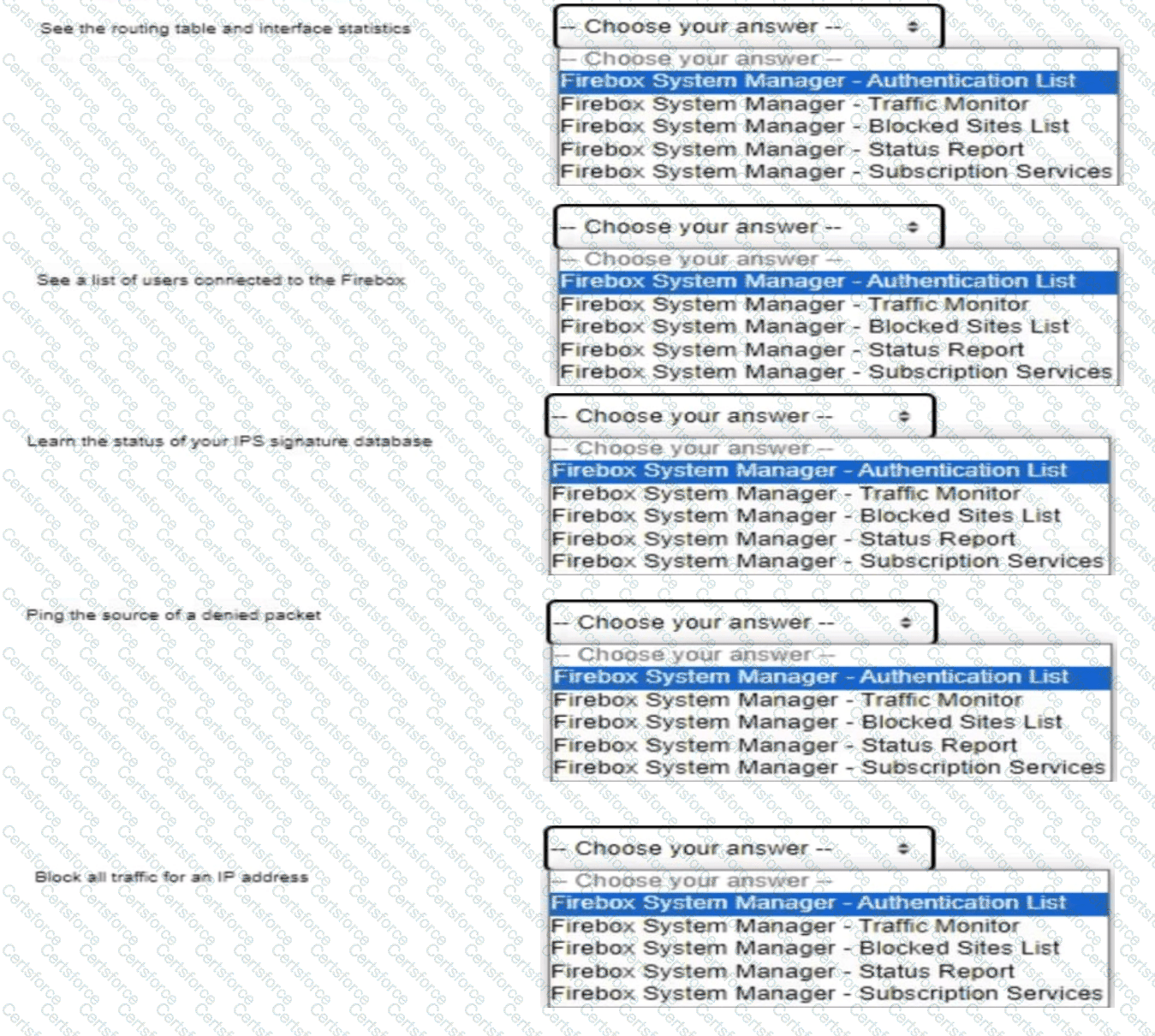
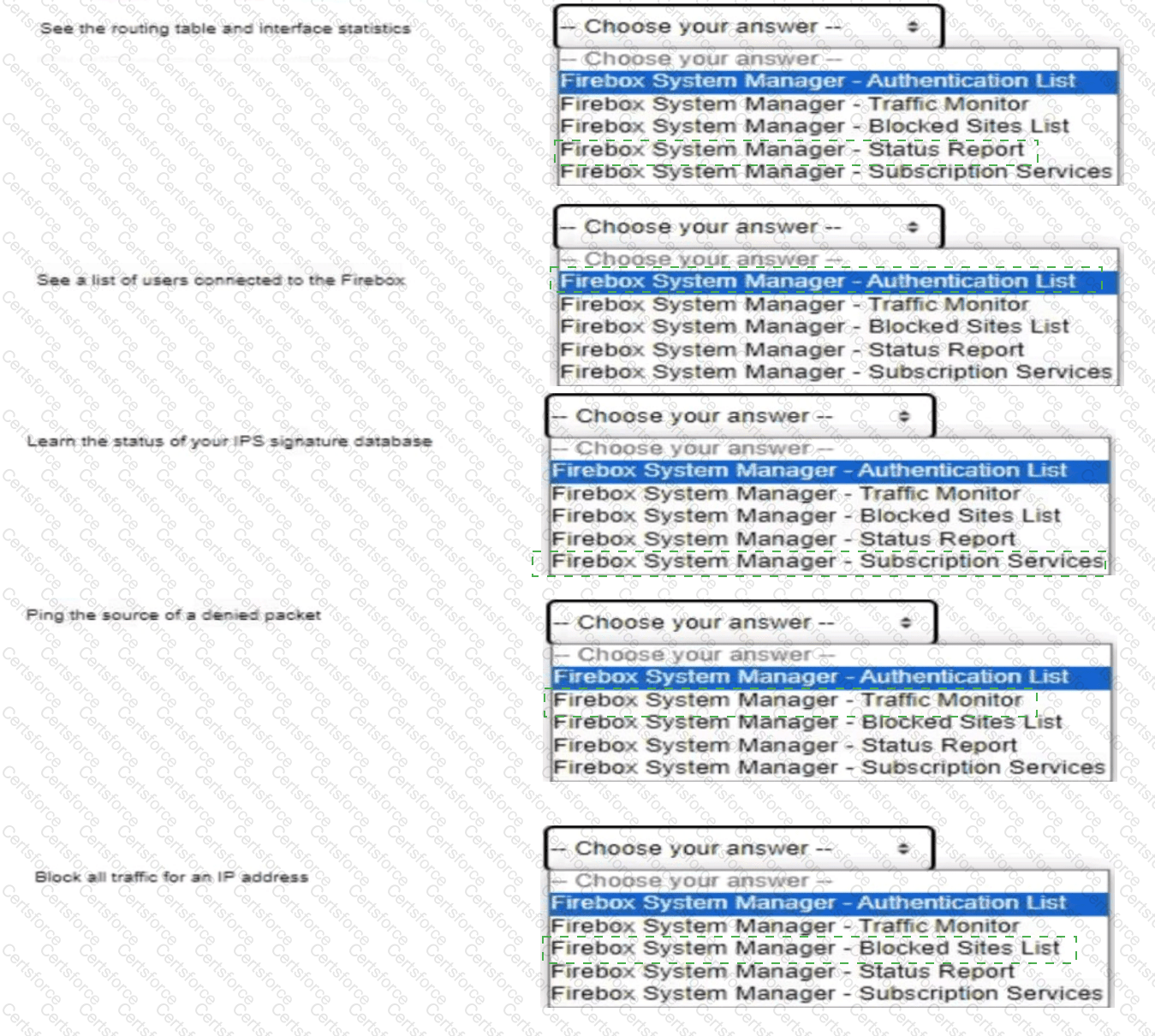
Routing table/interface stats: Status Report | Users connected: Authentication List | IPS signature status: Subscription Services | Ping denied source: Traffic Monitor | Block all traffic for IP: Blocked Sites List
Comprehensive Technical Explanation:
Firebox System Manager (FSM) categorizes real-time diagnostic telemetry into specialized functional tabs:
1. Status Report: Generates a comprehensive real-time runtime dump including interface link speed/duplex states, packet tx/rx counters, DHCP lease mappings, and the active IPv4/IPv6 routing tables (kernel forwarding information base).
2. Authentication List: Displays active authenticated user sessions terminating on the Firebox (e.g., Firewall Web Authentication, Single Sign-On, Mobile VPN users), along with their user group memberships and associated IP addresses.
3. Subscription Services: Presents the current operational status, licensing validity, update time, and signature database versions for all active security engines, including Intrusion Prevention Service (IPS), Gateway AntiVirus (GAV), and WebBlocker.
4. Traffic Monitor: Streams live log messages. Administrators can right-click any logged packet entry (including a denied packet) and execute immediate contextual diagnostic commands, such as Ping, Traceroute, DNS lookup, or IP address lookup.
5. Blocked Sites List: Allows administrators to review temporarily or permanently blocked IP addresses, remove entries, or manually add static IP addresses to block all bidirectional network traffic associated with those hosts.
[Reference: WatchGuard Network Security Essentials — Monitoring, Logging, and Reporting: Firebox System Manager Diagnostic Tabs and Real-Time Analysis., ――――――――――――――――――――――――――――――――――――――――――――――――――――――――――]


Submit