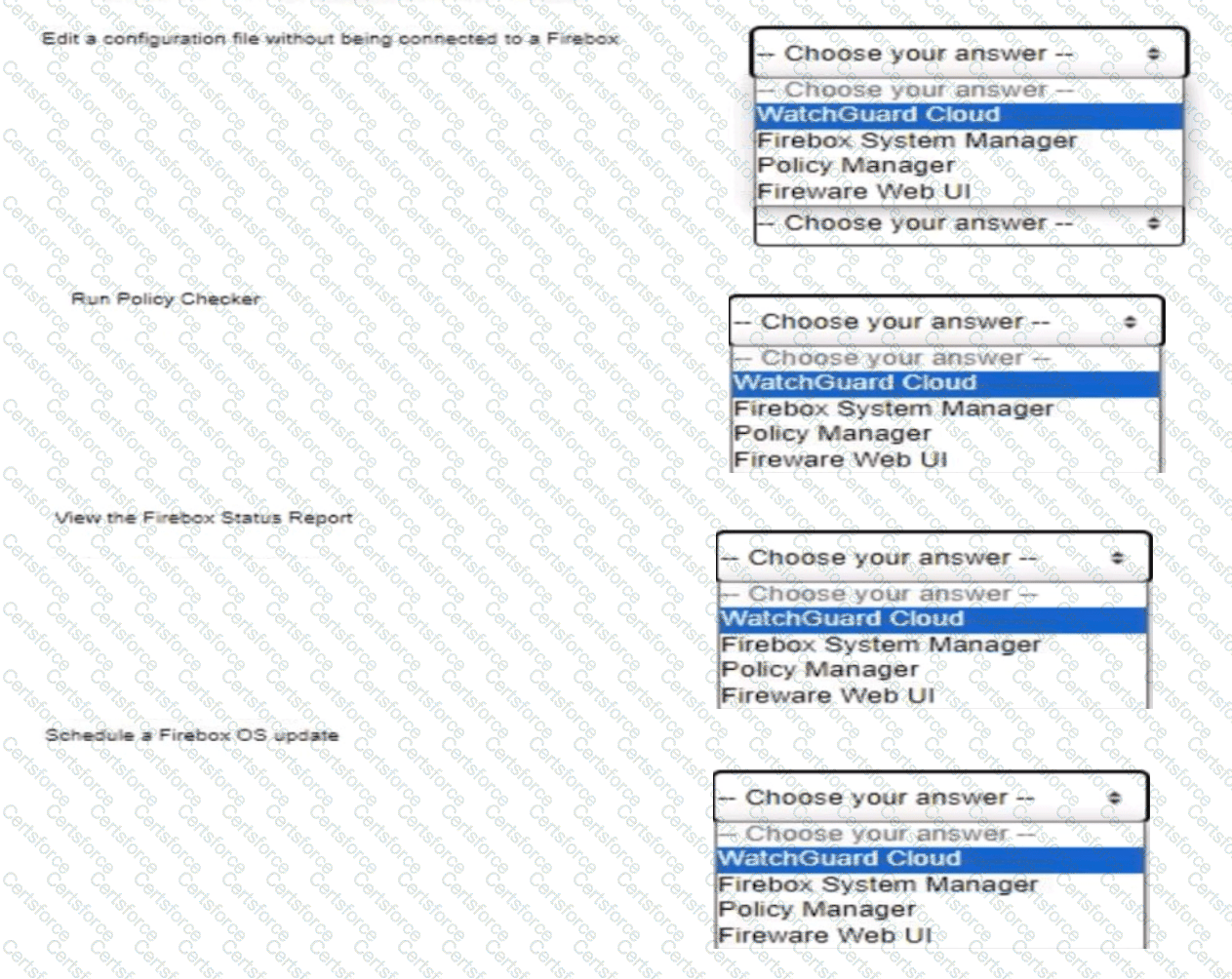
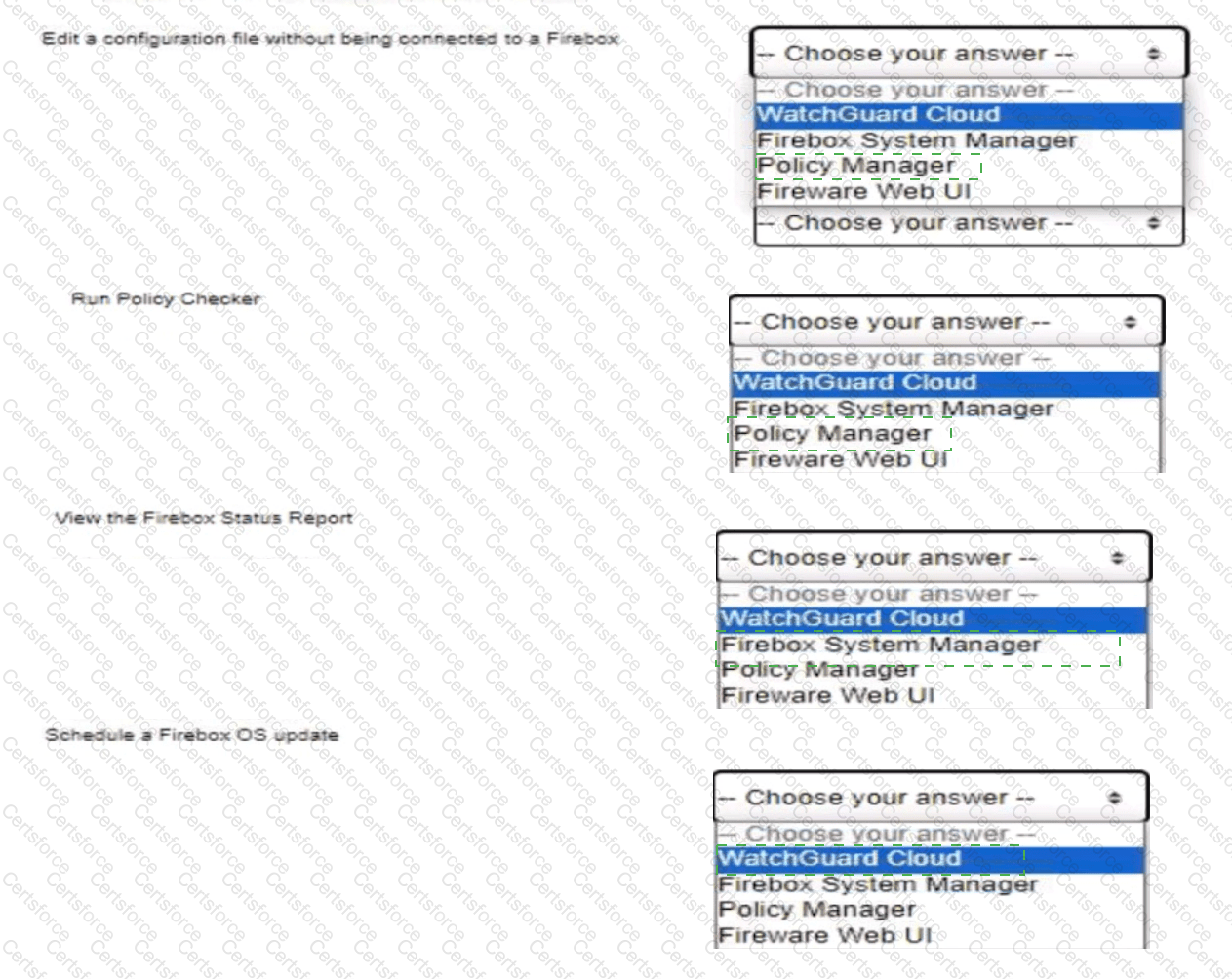
Edit configuration offline: Policy Manager | Run Policy Checker: Policy Manager | View Status Report: Firebox System Manager | Schedule OS update: WatchGuard Cloud
Comprehensive Technical Explanation:
Fireware management tools serve specialized functions depending on the connectivity status and administrative scope:
1. Policy Manager is an offline and online authoring client. It allows administrators to open, edit, create, and save local .xml configuration files directly on a workstation disk without establishing an active network connection to physical Firebox hardware.
2. Policy Checker is an integrated diagnostic engine native to Policy Manager. It evaluates proposed policy rules against hypothetical connection parameters (source, destination, protocol/port) to identify rule shadowing or verify exact rule evaluation paths prior to deployment.
3. Firebox Status Report is a core diagnostic utility housed within Firebox System Manager (FSM) under the Status Report tab. It provides a comprehensive text breakdown of the active kernel routing table, ARP table, active dynamic leases, memory consumption, interface statistics, and VPN security associations.
4. Scheduling a Firebox OS update is a distinct centralized capability provided by WatchGuard Cloud for connected appliances (whether locally-managed or cloud-managed), allowing firmware packages to be downloaded and applied at a designated future time window.
[Reference: WatchGuard Network Security Essentials — Administration and Setup: Management Utilities & Tool Selection Matrix (WSM, Web UI, WatchGuard Cloud)., ――――――――――――――――――――――――――――――――――――――――――――――――――――――――――]


Submit