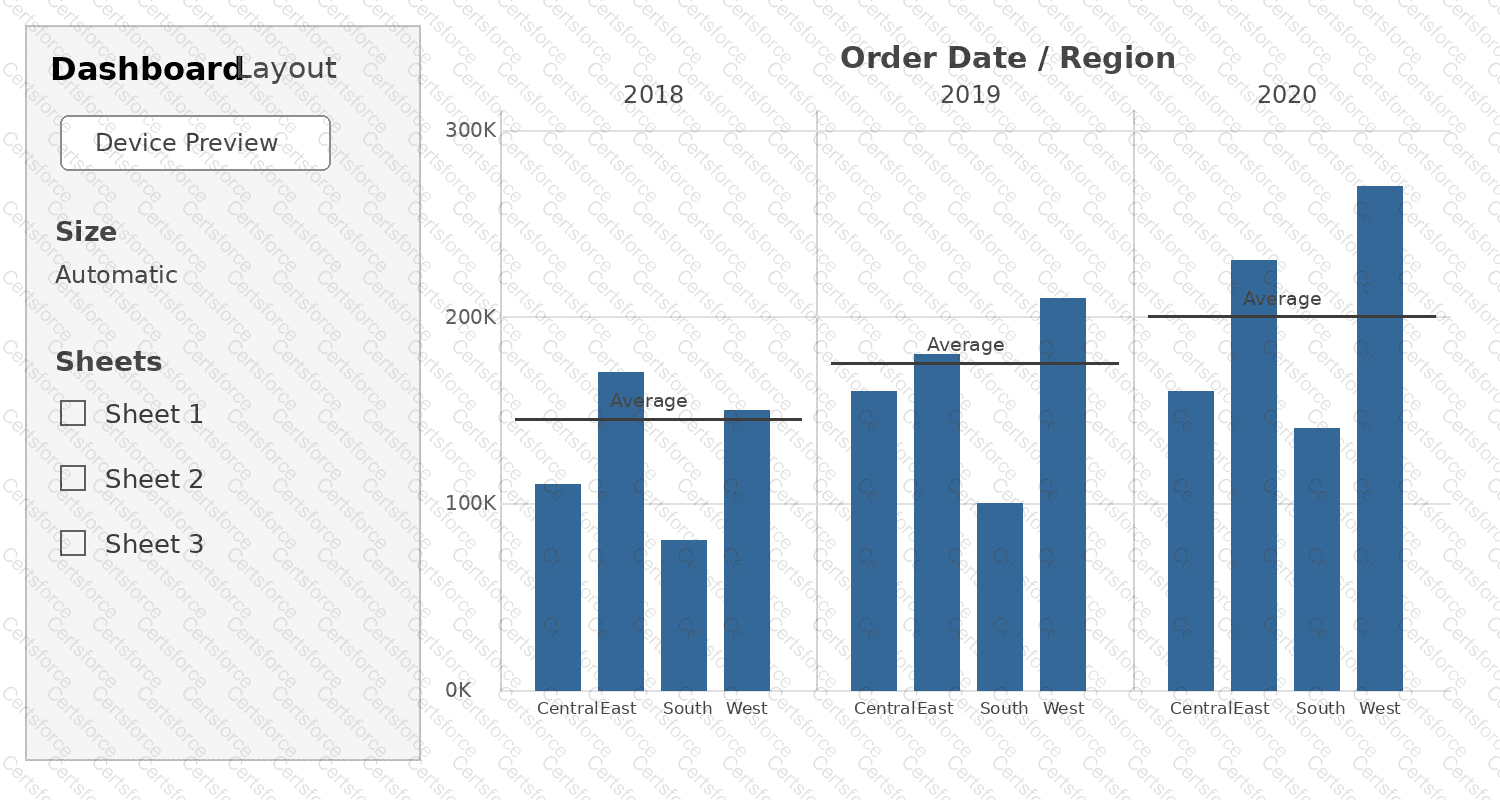
Tableau Desktop provides a dedicated Swap Sheets capability for replacing one dashboard worksheet with another while retaining much of the original dashboard object’s formatting. The correct workflow is to first select Sheet 3 on the dashboard, hover over Sheet 2 in the Sheets list, and click the Swap Sheets button. Tableau’s current documentation describes this procedure for replacing dashboard sheets. It also notes that padding, border, and background color are retained, although the replacement may require size adjustments if its content differs. Removing Sheet 3 would simply delete the current dashboard item. Adding Sheet 2 separately would not perform the controlled replacement, and Deselect has no role in sheet replacement. Therefore, D is the correct Tableau Desktop workflow.
Contribute your Thoughts:
Chosen Answer:
This is a voting comment (?). You can switch to a simple comment. It is better to Upvote an existing comment if you don't have anything to add.


Submit