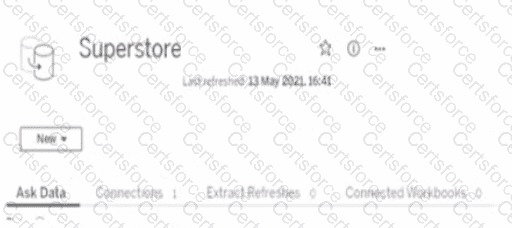
To ensure that the data is updated every hour, you need to select Extract Refreshes from the data source menu on Tableau Server. This will allow you to add a new extract refresh schedule or edit an existing one. You can specify the frequency and time of the refresh, as well as any custom options or credentials. New will create a new data source, Connected Workbooks will show you which workbooks use this data source, and Connections will show you which tables or files are connected to this data source. References: https://help.tableau.com/current/server/en-us/refresh_extracts.htm https://help.tableau.com/current/server/en-us/refresh_extracts_add.htm
To ensure that the data is updated every hour on Tableau Server, you would need to go to the " Extract Refreshes " option. Here, you can schedule the data extracts to refresh at the desired frequency, which in this case would be every hour.
Contribute your Thoughts:
Chosen Answer:
This is a voting comment (?). You can switch to a simple comment. It is better to Upvote an existing comment if you don't have anything to add.


Submit