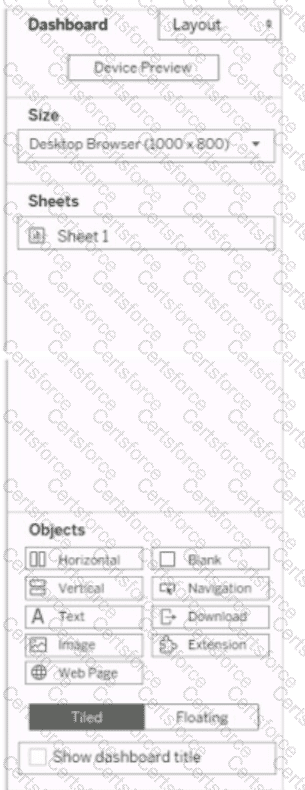
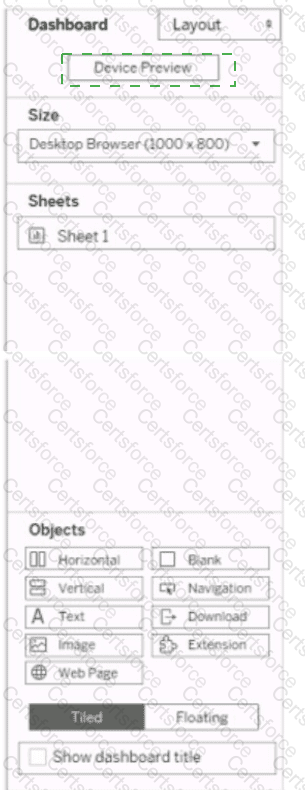
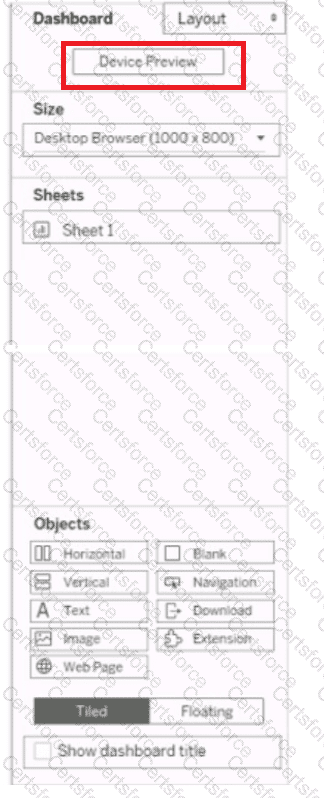
To customize a layout for mobile users, you should select the Device Preview option first. This option will allow you to see how your dashboard will look on different types of devices, such as phones, tablets, or desktops. You can also choose different models and orientations to preview different screen sizes and resolutions. From the Device Preview mode, you can add, edit, or delete device layouts for each device type. You can also adjust the size, position, and formatting of the dashboard elements for each device layout. References:
Create Dashboard Layouts for Different Device Types - Tableau
Tableau Certified Data Analyst Study Guide
Contribute your Thoughts:
Chosen Answer:
This is a voting comment (?). You can switch to a simple comment. It is better to Upvote an existing comment if you don't have anything to add.


Submit