
The following code adds items to the groceries array from the other arrays. Line numbers are for reference only.
01 < body >
02 < p id= " list " > < /p >
03 < script >
04 var groceries = [];
05 var dairy = [ " Milk " , " Eggs " , " Cheese " , " Ice Cream " ];
06 var beverages = [ " Juice " , " Water " , " Soda " , " Coffee " ];
07 var fruits = [ " Apples " , " Bananas " , " Grapes " , " Oranges " , " Strawberries " ];
08 var vegetables = [ " Broccoli " , " Carrots " , " Lettuce " , " Spinach " , " Tomatoes " ];
09 var meats = [ " Beef " , " Chicken " , " Pork " ];
10
11 function addVegetables() {
12 groceries = groceries.concat(vegetables);
13 }
14
15 function addFruits() {
16 groceries = groceries.concat(fruits);
17 }
18
19 function addOther() {
20 groceries.push(meats[1]);
21 groceries.push(dairy[3]);
22 }
23
24 fruits.shift();
25 addVegetables();
26
27 groceries.shift();
28 addFruits();
29
30 groceries.pop();
31 groceries.shift();
32
33 addOther();
34 document.getElementById( " list " ).innerHTML = groceries;
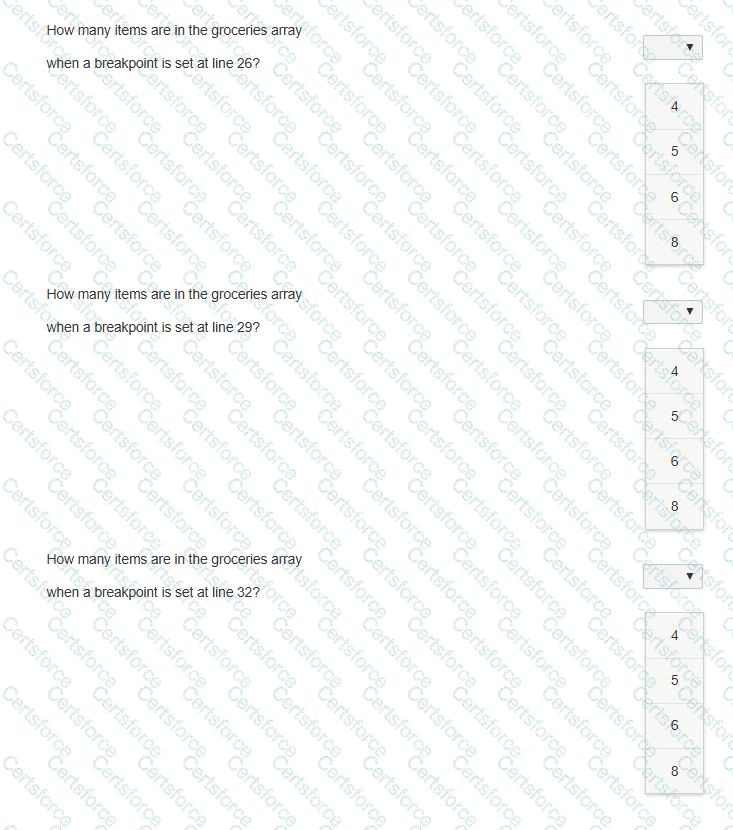
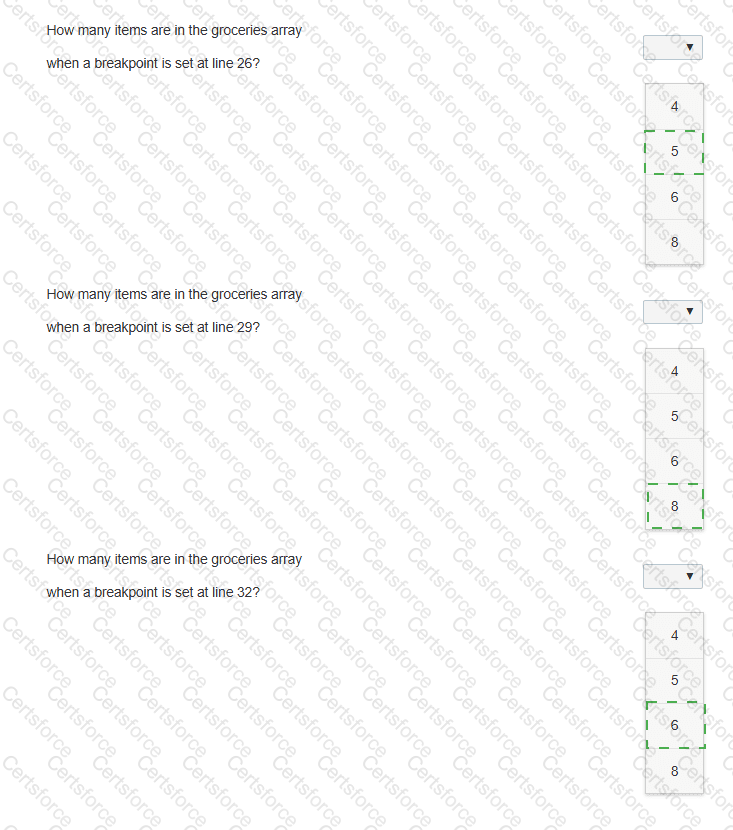
You need to debug the code on the left to determine how many items are in the groceries array at the specified breakpoints.
Evaluate the code and answer the questions by selecting the correct option from each drop-down list.
Note: You will receive partial credit for each correct answer.

Submit