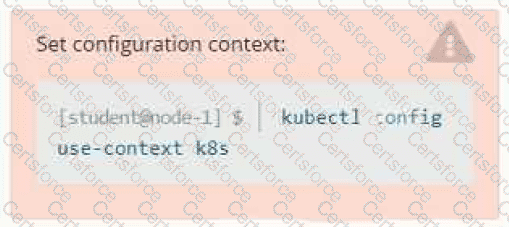
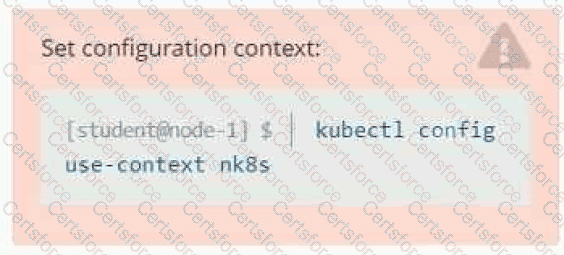
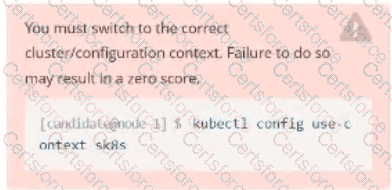
Set Configuration Context:
[student@node-1] $ | kubectl
Config use-context k8s
Context
A pod is running on the cluster but it is not responding.
Task
The desired behavior is to have Kubemetes restart the pod when an endpoint returns an HTTP 500 on the /healthz endpoint. The service, probe-pod, should never send traffic to the pod while it is failing. Please complete the following:
• The application has an endpoint, /started, that will indicate if it can accept traffic by returning an HTTP 200. If the endpoint returns an HTTP 500, the application has not yet finished initialization.
• The application has another endpoint /healthz that will indicate if the application is still working as expected by returning an HTTP 200. If the endpoint returns an HTTP 500 the application is no longer responsive.
• Configure the probe-pod pod provided to use these endpoints
• The probes should use port 8080
Task:
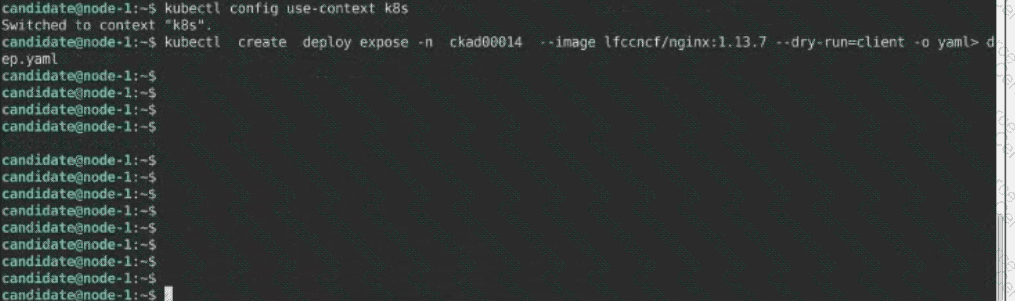
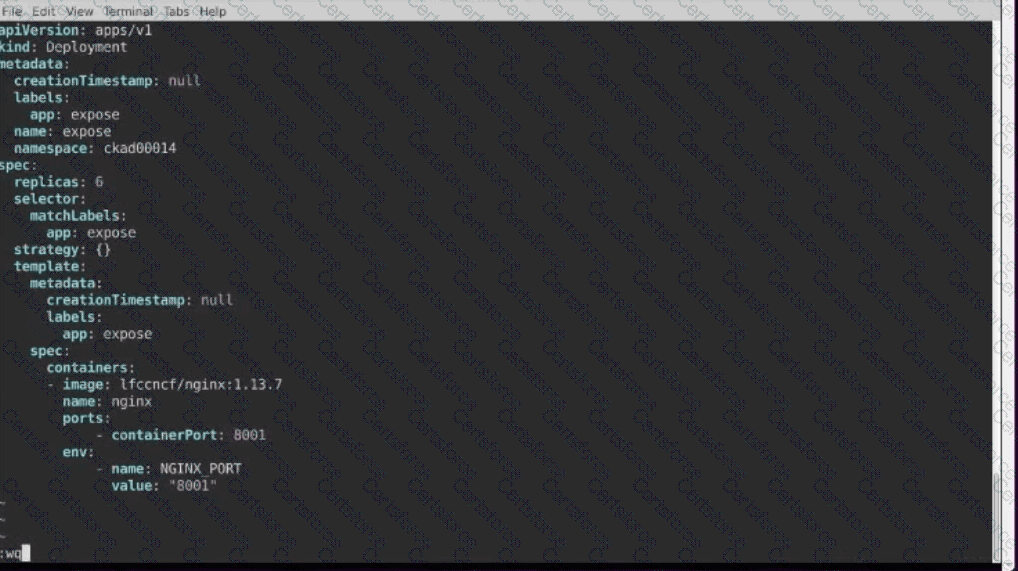
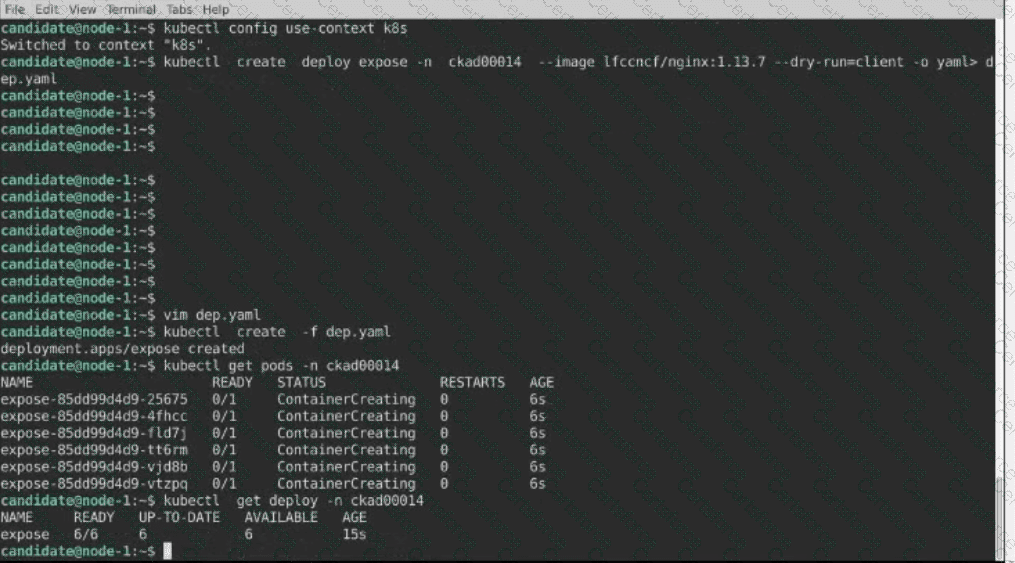
Create a Deployment named expose in the existing ckad00014 namespace running 6 replicas of a Pod. Specify a single container using the ifccncf/nginx: 1.13.7 image
Add an environment variable named NGINX_PORT with the value 8001 to the container then expose port 8001
Context
You have been tasked with scaling an existing deployment for availability, and creating a service to expose the deployment within your infrastructure.
Task
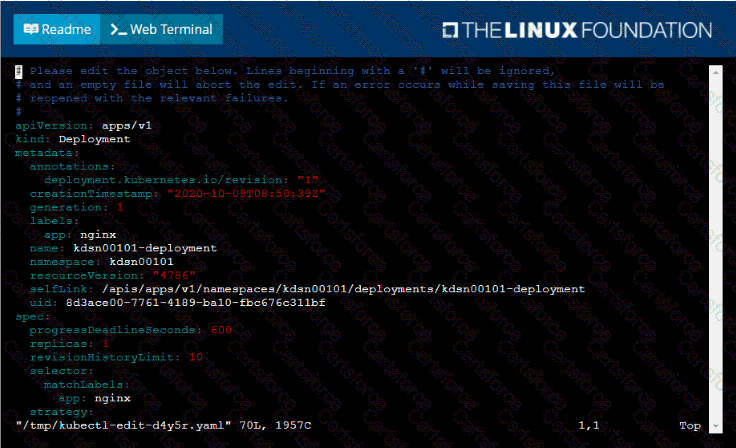
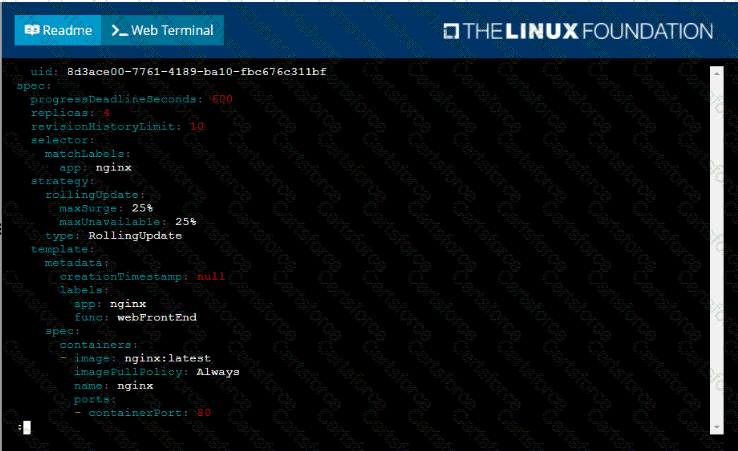
Start with the deployment named kdsn00101-deployment which has already been deployed to the namespace kdsn00101 . Edit it to:
• Add the func=webFrontEnd key/value label to the pod template metadata to identify the pod for the service definition
• Have 4 replicas
Next, create ana deploy in namespace kdsn00l01 a service that accomplishes the following:
• Exposes the service on TCP port 8080
• is mapped to me pods defined by the specification of kdsn00l01-deployment
• Is of type NodePort
• Has a name of cherry
Task
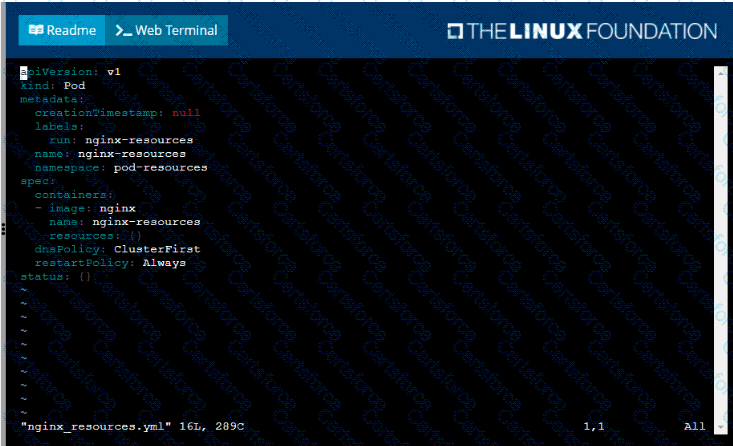
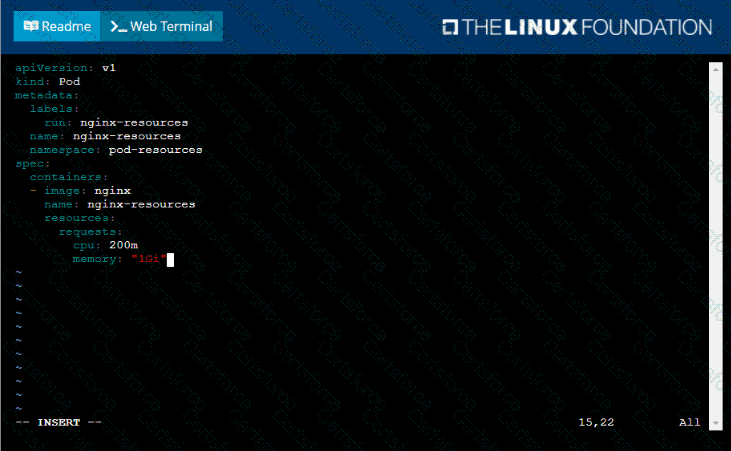
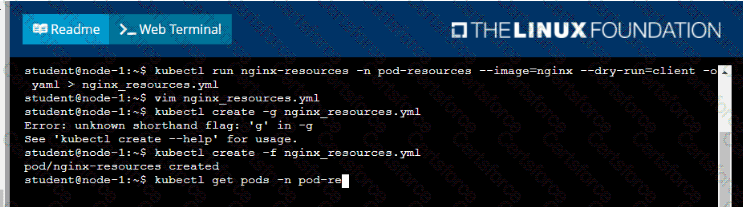
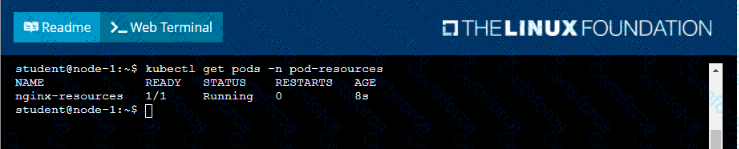
You are required to create a pod that requests a certain amount of CPU and memory, so it gets scheduled to-a node that has those resources available.
• Create a pod named nginx-resources in the pod-resources namespace that requests a minimum of 200m CPU and 1Gi memory for its container
• The pod should use the nginx image
• The pod-resources namespace has already been created
Task
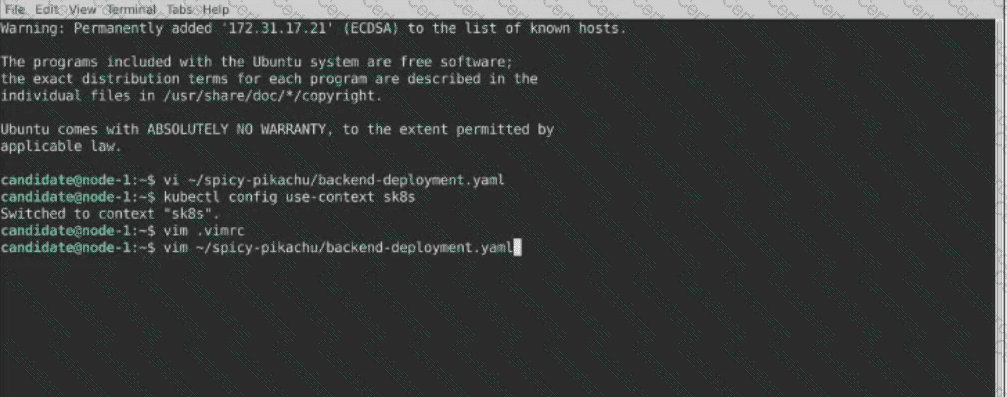
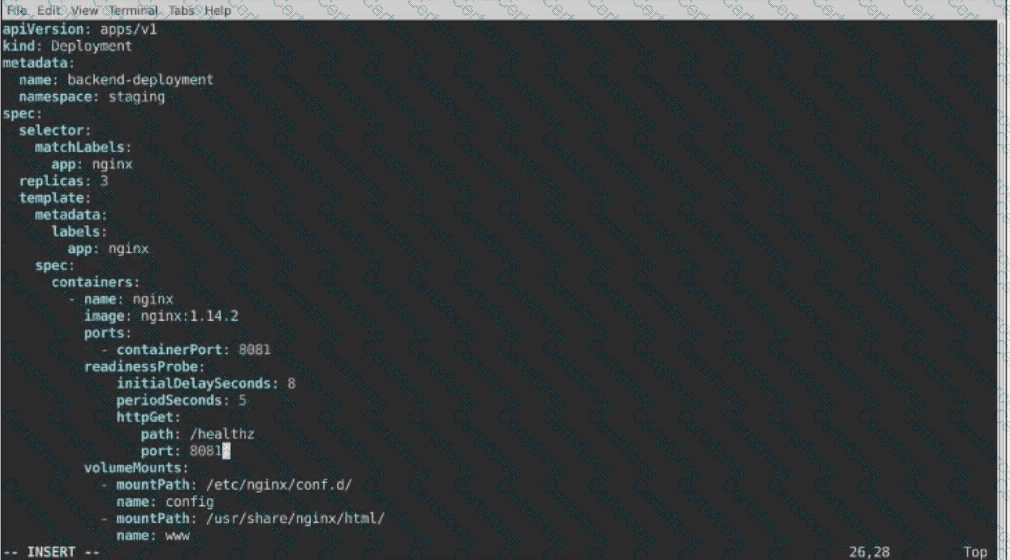
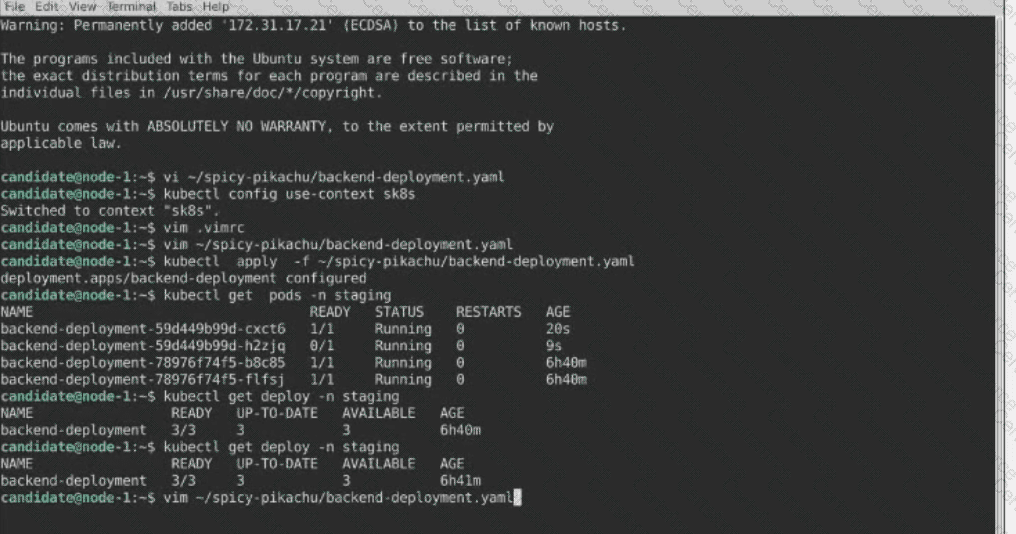
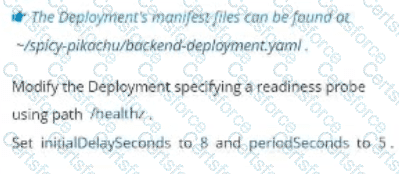
A Deployment named backend-deployment in namespace staging runs a web application on port 8081.
Set Configuration Context:
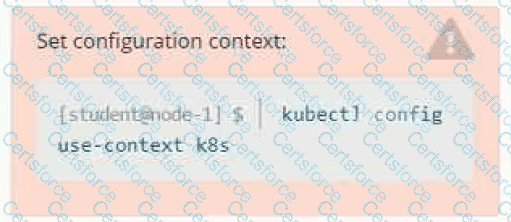
[student@node-1] $ | kubectl
Config use-context k8s
Task
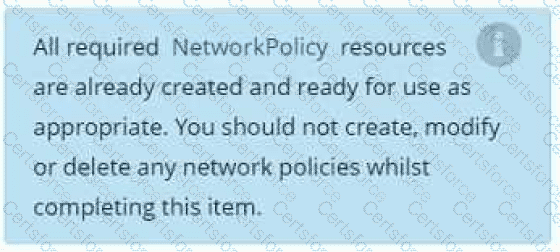
You have rolled out a new pod to your infrastructure and now you need to allow it to communicate with the web and storage pods but nothing else. Given the running pod kdsn00201 -newpod edit it to use a network policy that will allow it to send and receive traffic only to and from the web and storage pods.

Context
You must connect to the correct host . Failure to do so may result in a zero score.
[candidate@base] $ ssh ckad00043
A Deployment needs specific RBAC permissions.
Task
First, find the RBAC permissions needed by the scraper Deployment running in the
cute-panda namespace .
it kubectl logs may help you to find the permissions it needs.
Next, create a new ServiceAccount named scraper in the namespace cute-panda.
Context
Your application’s namespace requires a specific service account to be used.
Task
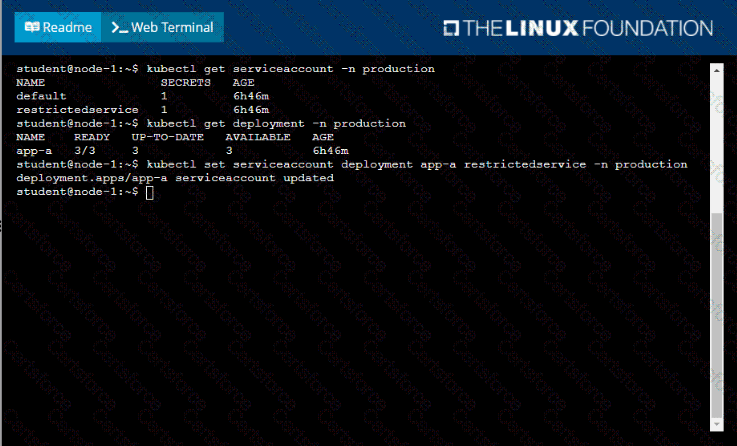
Update the app-a deployment in the production namespace to run as the restrictedservice service account. The service account has already been created.
Task:
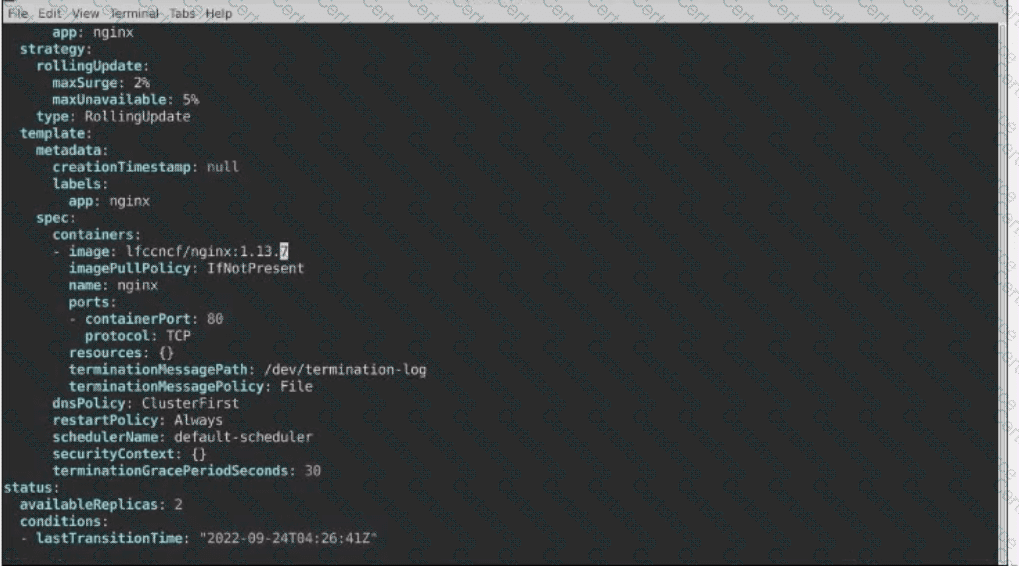
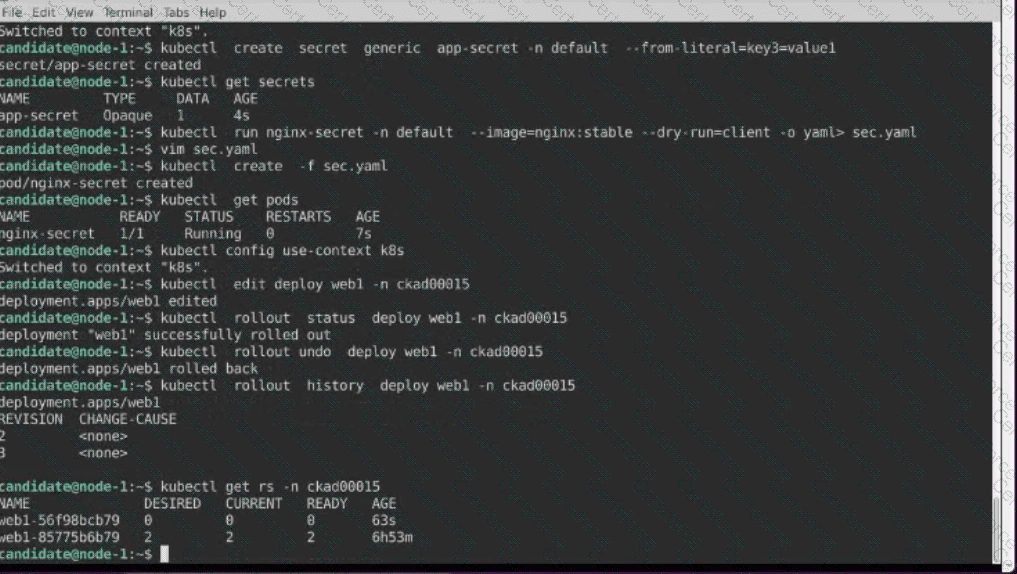
1- Update the Propertunel scaling configuration of the Deployment web1 in the ckad00015 namespace setting maxSurge to 2 and maxUnavailable to 59
2- Update the web1 Deployment to use version tag 1.13.7 for the Ifconf/nginx container image.
3- Perform a rollback of the web1 Deployment to its previous version
Context
You are asked to scale an existing application and expose it within your infrastructure.

First, update the Deployment nginx-deployment in the prod
namespace :
. to run 2 replicas of the Pod
. add the following label to the Pod :
role: webFrontEnd
Next, create a NodePort Service named rover in the prod namespace exposing the nginx-deployment Deployment 's Pods