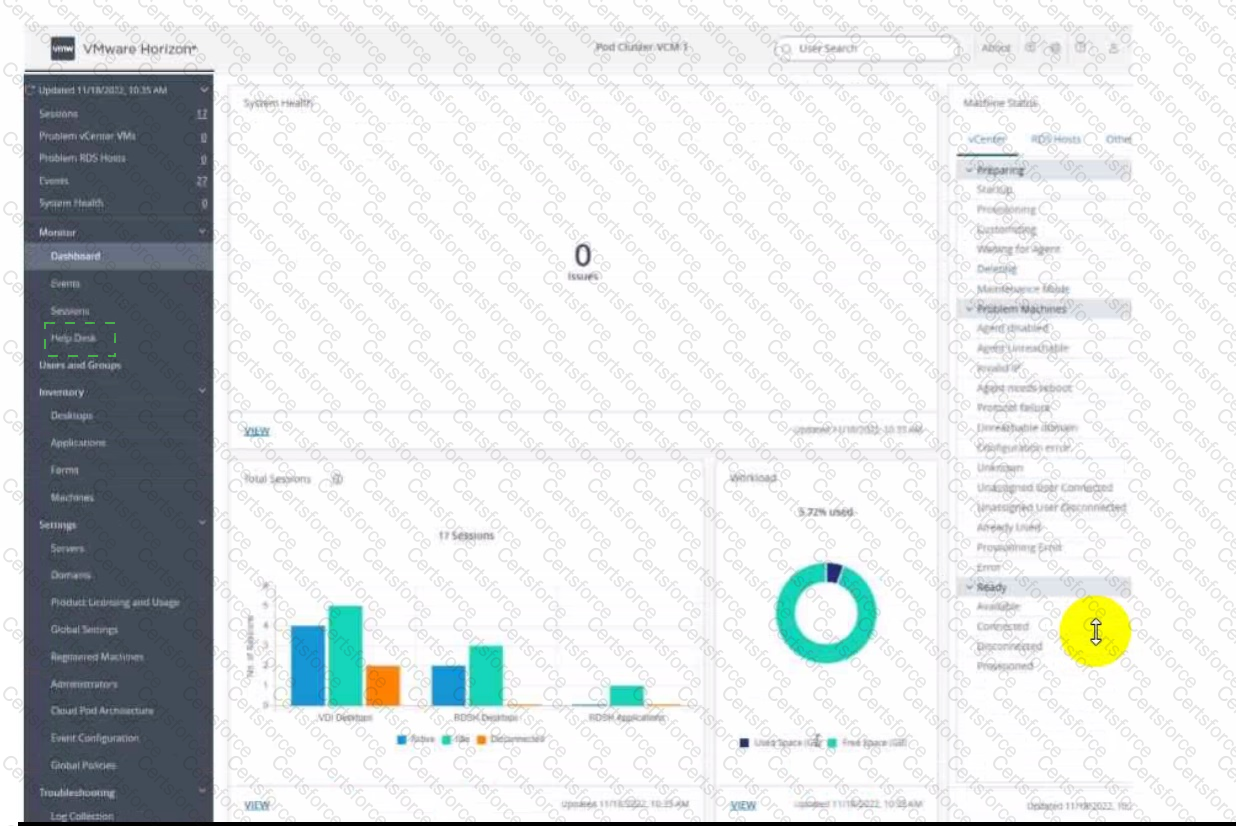
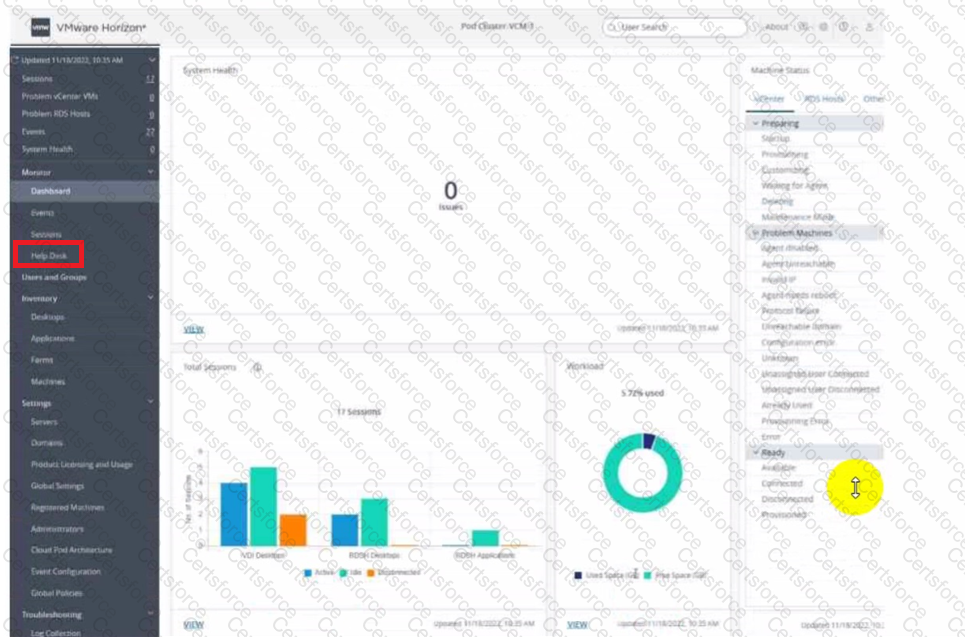
To monitor the advanced metrics of desktop sessions in Horizon Console, you need to use the Horizon Help Desk Tool. This is a web application that you can use to get the status of Horizon 8 user sessions and to perform troubleshooting and maintenance operations1. You can also view performance details for a virtual or published desktop session that uses the PCoIP or VMware Blast display protocol2.
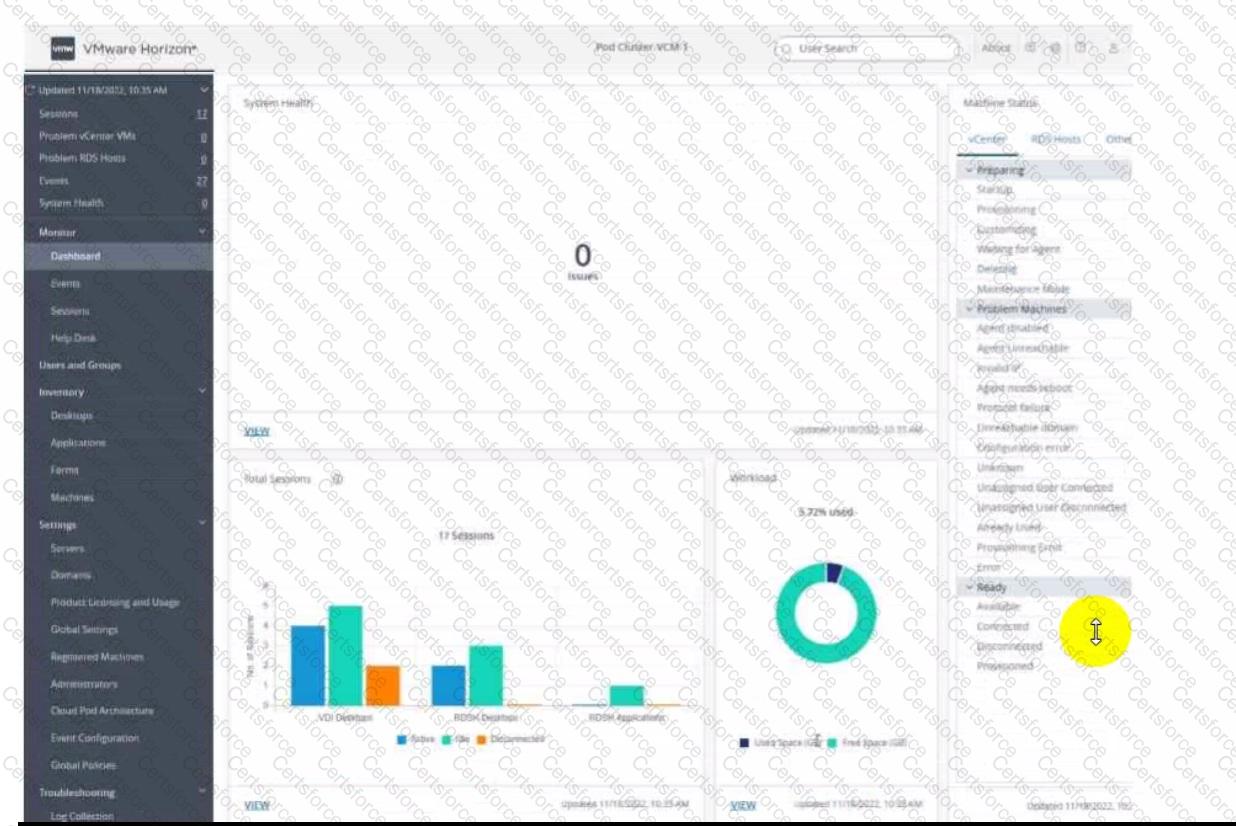
To access the Horizon Help Desk Tool, you need to click on the Monitoring tab on the left side of the Horizon Console. Then, you need to select Help Desk from the drop-down menu. This will open the Horizon Help Desk Tool in a new browser tab. You can then search for a user, machine, or pool and view the session details. You can also click on More to see the advanced metrics such as latency, bandwidth, protocol, and frame rate1.
Contribute your Thoughts:
Chosen Answer:
This is a voting comment (?). You can switch to a simple comment. It is better to Upvote an existing comment if you don't have anything to add.


Submit