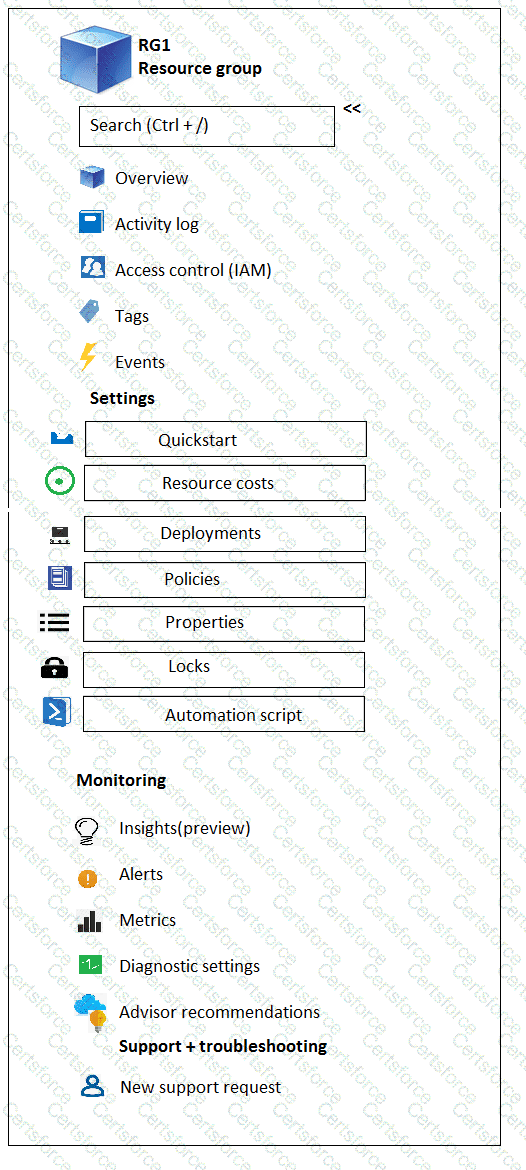
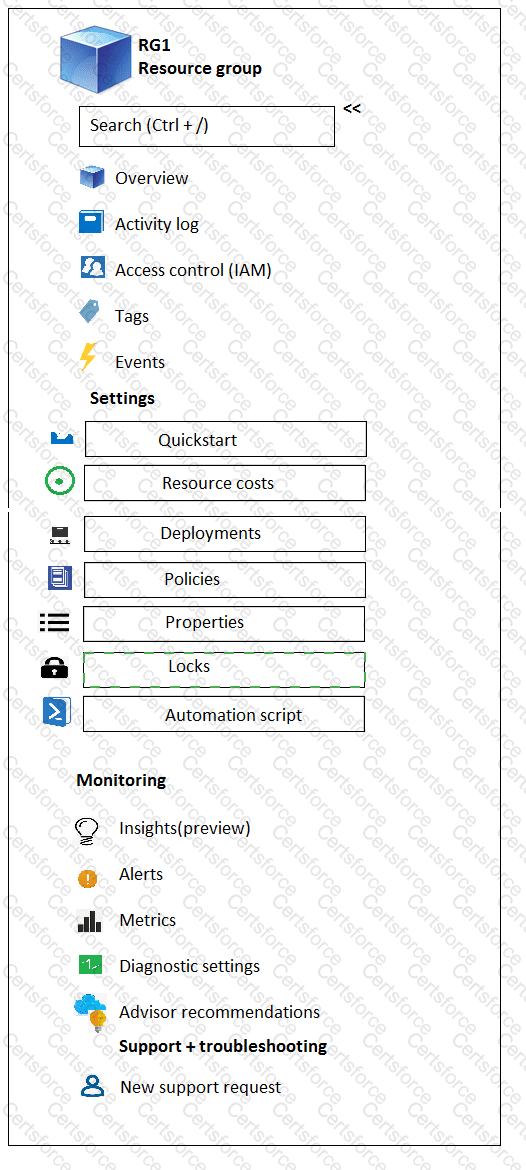
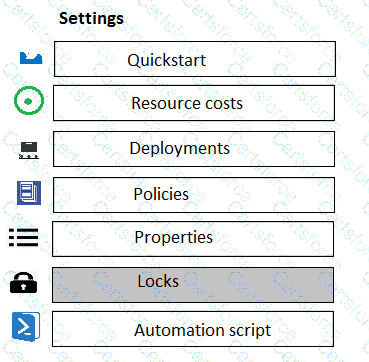
You can configure a lock on a resource group to prevent the accidental deletion.
As an administrator, you may need to lock a subscription, resource group, or resource to prevent other users in your organization from accidentally deleting or modifying critical resources. You can set the lock level to CanNotDelete or ReadOnly . In the portal, the locks are called Delete and Read-only respectively.
CanNotDelete means authorized users can still read and modify a resource, but they can ' t delete the resource.
ReadOnly means authorized users can read a resource, but they can ' t delete or update the resource. Applying this lock is similar to restricting all authorized users to the permissions granted by the Reader role.
Chosen Answer:
This is a voting comment (?). You can switch to a simple comment. It is better to Upvote an existing comment if you don't have anything to add.


Submit