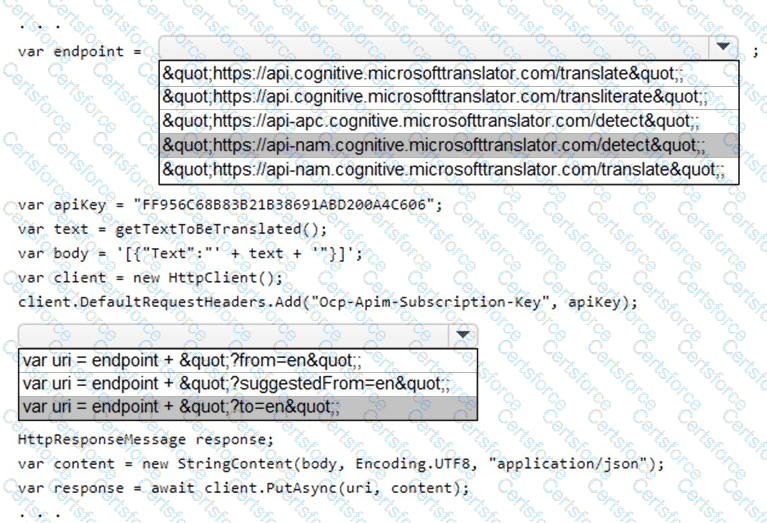
You are building an application that:
Uses Azure Translator service to translate text.
The text comes from getTextToBeTranslated() .
The text can be in many languages.
Requirement: the content must remain within the Americas Azure geography.
Output: must translate text into a single language (English in this case).
Step 1 – Choosing the correct endpoint
The Translator service provides region-specific endpoints.
For Americas geography, you must use the North America (NAM) endpoint:
https: //api-nam.cognitive.microsofttranslator.com/translate
Other options like api-apc (Asia Pacific) or api-nam.../detect are incorrect because:
/detect is used to identify the source language, not translate.
/transliterate is for script conversion, not translation.
We need the /translate path.
Step 2 – Setting the correct query parameter
To specify the target language, you must use the to query string parameter. Example:
?t o=en
Options like from=en or suggestedFrom=en are not correct here, because:
The text can be in many languages → we don’t know the source language in advance.
Translator automatically detects the source if from is not specified.
We only need to define the target language.
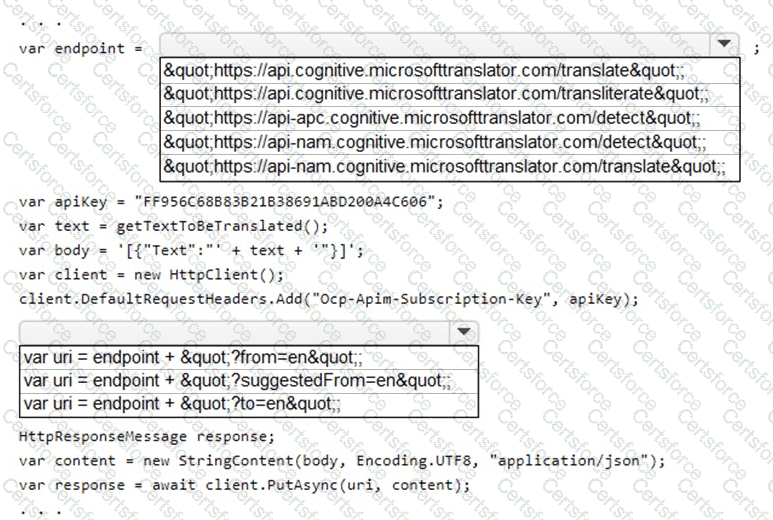
Final Code Snippet (corrected)
var endpoint = " https://api-nam.cognitive.microsofttranslator.com/translate " ;
var apiKey = " YOUR_SUBSCRIPTION_KEY " ;
var text = getTextToBeTranslated();
var body = " [{ ' Text ' : ' " + text + " ' }] " ;
var client = new HttpClient();
client.DefaultRequestHeaders.Add( " Ocp-Apim-Subscription-Key " , apiKey);
var uri = endpoint + " ?to=en " ;
HttpResponseMessage response;
var content = new StringContent(body, Encoding.UTF8, " application/json " );
response = await client.PutAsync(uri, content);
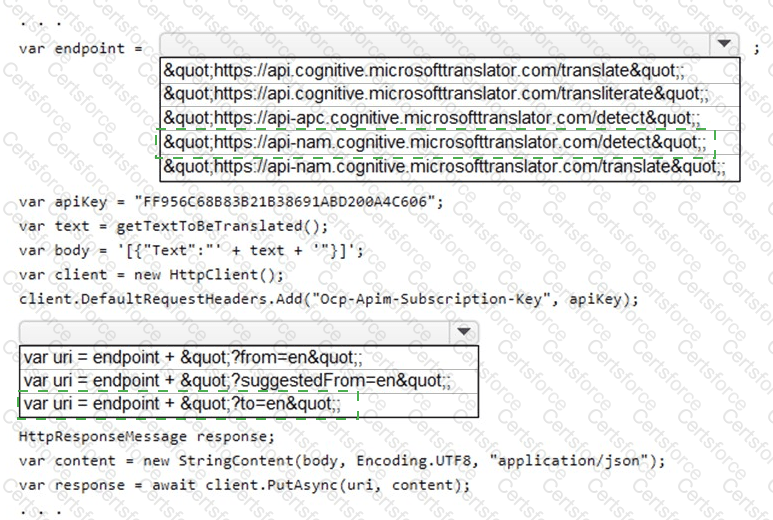
Correct Answer
Endpoint: https://api-nam.cognitive.microsofttranslator.com/translate
URI: ?to=en
Microsoft References
Translator v3.0 Reference
Region-specific Translator endpoints


Submit