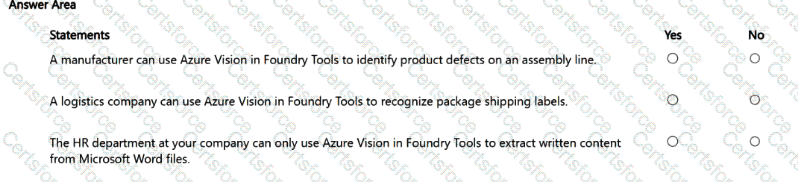
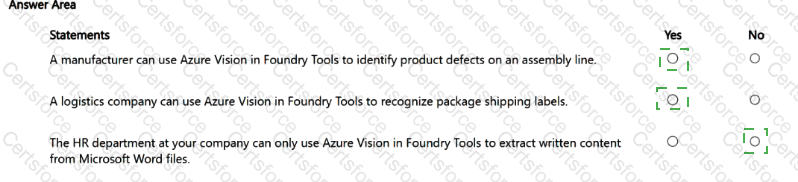
A manufacturer can use Azure Vision in Foundry Tools to identify product defects on an assembly line. Answer: Yes
A logistics company can use Azure Vision in Foundry Tools to recognize package shipping labels. Answer: Yes
The HR department at your company can only use Azure Vision in Foundry Tools to extract written content from Microsoft Word files. Answer: No
Azure Vision in Foundry Tools provides computer vision capabilities to analyze images, including identifying visual features and reading text with OCR. Because it is designed to “analyze images” and support vision scenarios, it can be applied to manufacturing quality inspection use cases where the goal is to detect anomalies/defects from images captured on a production line. This aligns with statement 1 being Yes .
Statement 2 is also Yes because recognizing shipping labels is fundamentally text extraction from images (often plus some layout/field parsing). Azure Vision supports optical character recognition (OCR) to read printed text from images, and Microsoft documentation explicitly notes OCR can extract text from images such as product labels and similar real-world text surfaces—making shipping labels a direct fit.
Statement 3 is No because it is incorrectly restrictive. Azure Vision is not limited to extracting written content from Word documents, nor is OCR restricted to Word files. Vision capabilities apply broadly to images (and, depending on the capability, various document/image inputs) for tasks like image analysis and text recognition. HR could use it for many scenarios such as extracting text from scanned images, photos, or other visual inputs—not “only” Word files.
Contribute your Thoughts:
Chosen Answer:
This is a voting comment (?). You can switch to a simple comment. It is better to Upvote an existing comment if you don't have anything to add.


Submit