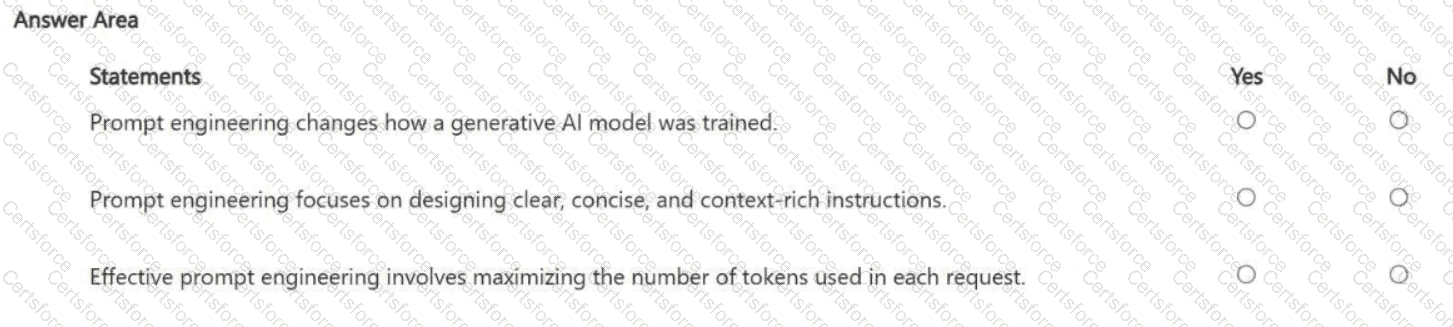
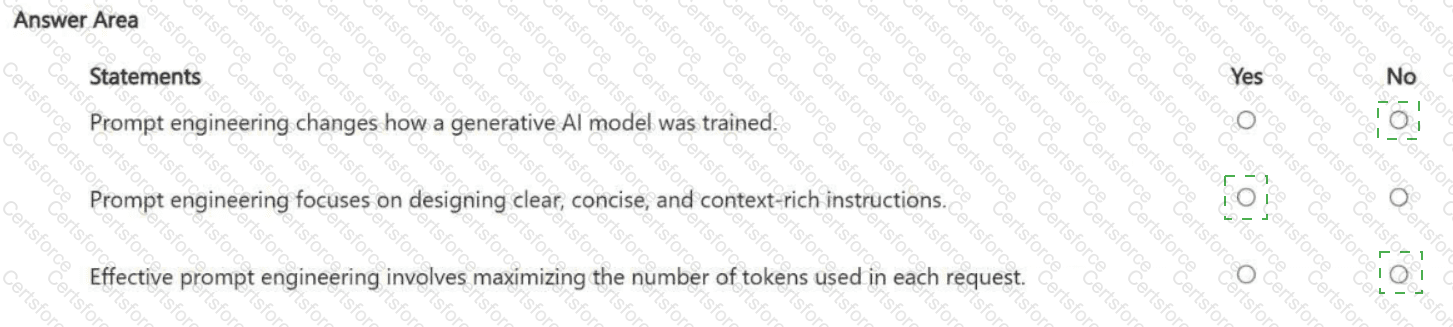
Prompt engineering changes how a generative AI model was trained. Answer: No
Prompt engineering focuses on designing clear, concise, and context-rich instructions. Answer: Yes
Effective prompt engineering involves maximizing the number of tokens used in each request. Answer: No
No — Prompt engineering does not modify model weights or retrain the model. It is an inference-time technique : you steer outputs by improving the instructions and context you send to the model. Changing how a model was trained would involve pretraining, fine-tuning, or other training methods—separate from prompt engineering.
Yes — The primary goal of prompt engineering is to reduce ambiguity and variability by providing clear instructions , the right context , and explicit output constraints . This often includes specifying role and task, providing necessary facts or grounding text, defining format (bullets, JSON, headings), and adding examples (few-shot) when helpful. Well-constructed prompts improve consistency, relevance, and usefulness of outputs.
No — Good prompt engineering does not mean “use as many tokens as possible.” In fact, using unnecessary tokens can increase cost and may degrade quality by adding noise. Effective prompts are typically as short as possible but as long as necessary : enough context to achieve accuracy and alignment, but not bloated. Token discipline matters because most pricing is token-based and long contexts can dilute attention over what’s most important.
Contribute your Thoughts:
Chosen Answer:
This is a voting comment (?). You can switch to a simple comment. It is better to Upvote an existing comment if you don't have anything to add.


Submit