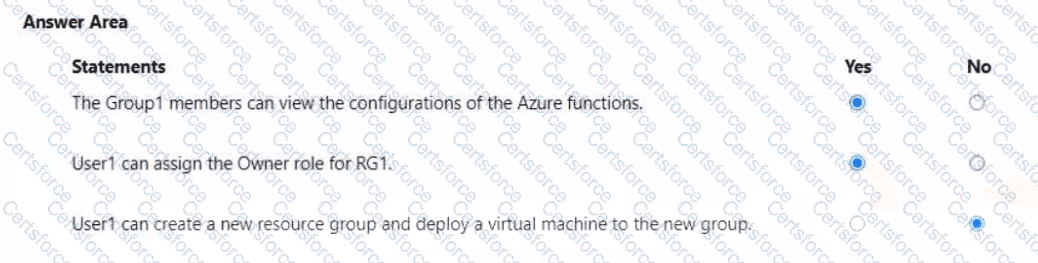
This question tests your understanding of Azure Role-Based Access Control (RBAC) and management group inheritance.
Scenario Breakdown:
MG1 → Management group containing Sub1 and Sub2
Group1 → Assigned Reader role at MG1
→ Inherited Reader permissions on Sub1 and Sub2 and all child resources (read-only access).
User1:
Member of Group1 → inherits Reader access via MG1.
Assigned User Access Administrator at MG1 → can manage role assignments across Sub1 and Sub2.
Assigned Virtual Machine Contributor on Sub1 and Sub2.
Assigned Contributor on RG1 (in Sub1).
Statement 1:
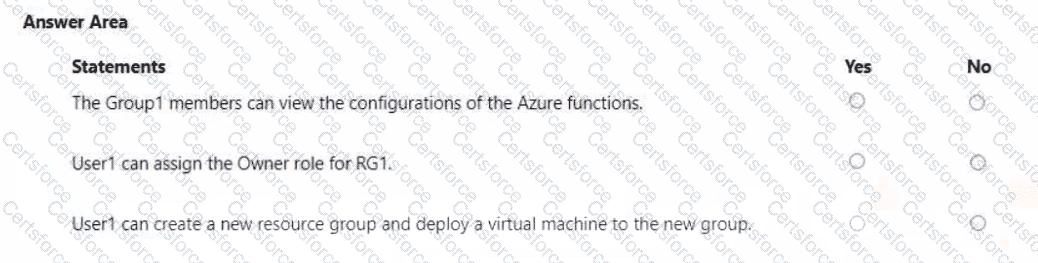
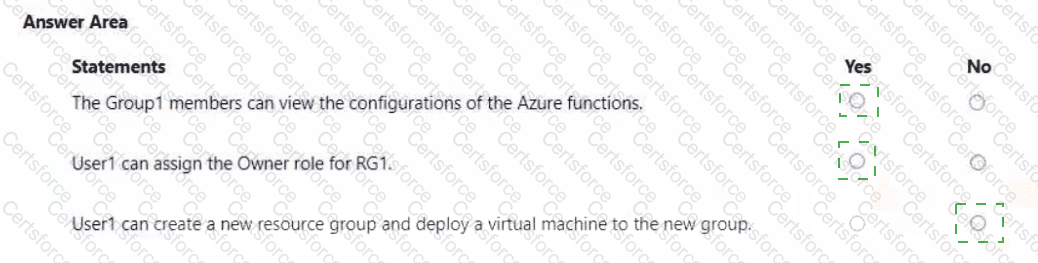
“The Group1 members can view the configurations of the Azure functions.”
✅ Yes
The Reader role allows users to view all configurations and metadata of Azure resources, including Azure Functions, but does not allow editing.
Since Group1 has the Reader role at the management group level, this permission cascades down to all subscriptions (Sub1, Sub2) and their resources (including RG1).
???? Microsoft Reference:
“Reader: View all resources, but cannot make any changes.”
(Source: Azure RBAC built-in roles — Reader)
Statement 2:
“User1 can assign the Owner role for RG1.”
✅ Yes
The User Access Administrator role grants the ability to manage role assignments in Azure RBAC.
Even without Owner permissions, a User Access Administrator can grant any role (including Owner) to others for scopes under their assignment.
User1’s User Access Administrator role is assigned at MG1, which includes Sub1, Sub2, and all underlying resource groups (like RG1).
???? Microsoft Reference:
“User Access Administrator: Lets you manage user access to Azure resources. It allows assigning or removing any role on the scope.”
(Source: Azure built-in roles documentation — User Access Administrator)
Statement 3:
“User1 can create a new resource group and deploy a virtual machine to the new group.”
❌ No
Although User1 has Contributor and Virtual Machine Contributor roles on Sub1 and Sub2, role inheritance is specific to the assigned scope.
The Virtual Machine Contributor can manage VM resources but cannot create new resource groups.
The Contributor role on RG1 gives full access only within that resource group — not at the subscription level.
To create new resource groups, a user must have Contributor or Owner permissions at the subscription level, which User1 does not have.
???? Microsoft Reference:
“Contributor: Grants full access to manage all Azure resources, but does not grant access to assign roles. To create resource groups, the Contributor must be assigned at the subscription level.”
(Source: Azure RBAC permissions and role scopes)


Submit