According to Juniper Mist documentation, the brownfield adoption process is utilized when bringing existing Juniper switches—which already have a local configuration—under the management of the Mist cloud. This process differs significantly from the greenfield "claiming" method, as it requires manual interaction with the device's management interface to establish the initial connection2.
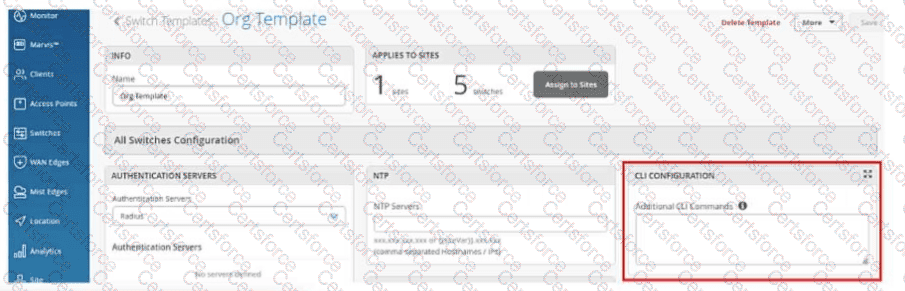
A critical requirement for this process is that CLI access to the Juniper cloud-ready switch is required3. To initiate adoption, the administrator must log in to the switch via console or SSH and enter a specific set of Junos OS configuration commands provided by the Mist portal. These commands include the necessary parameters for the switch to establish an outbound SSH connection to the Mist cloud, typically using either TCP port 2200 or 443. Without direct CLI access to paste and execute these adoption strings, the switch cannot register itself with the organization's inventory in the dashboard.
Furthermore, because this process involves modifying the switch's local configuration file to add the Mist management parameters, you must perform a commit on the switch after adding the switch adoption commands7. In the Junos operating system, configuration changes reside in a candidate configuration buffer and do not take effect until a commit operation is successfully executed8. Once committed, the switch initiates the connection to Mist9. If the connection is successful, the switch status in the Mist dashboard will transition from "Unassigned" to "Connected," enabling AI-driven telemetry collection and Wired Assurance monitoring. This adoption method allows for a seamless transition of legacy infrastructure into a modern, cloud-managed environment without requiring a factory reset or the presence of a physical QR claim code.
Contribute your Thoughts:
Chosen Answer:
This is a voting comment (?). You can switch to a simple comment. It is better to Upvote an existing comment if you don't have anything to add.


Submit