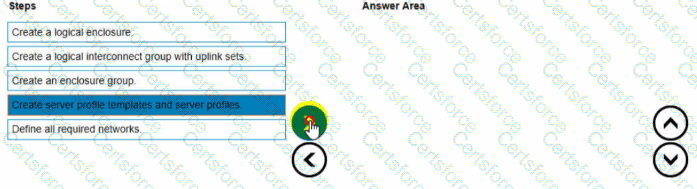
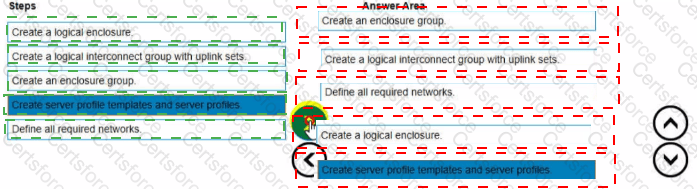
To set up HPE Synergy frames after the hardware components are discovered within HPE OneView, the following steps should be followed in the correct order:
Create an enclosure group.
Create a logical interconnect group with uplink sets.
Define all required networks.
Create a logical enclosure.
Create server profile templates and server profiles.
Create an enclosure group: This step involves defining the enclosure group, which includes the configurations for the enclosure such as firmware baselines and logical interconnect groups.
Create a logical interconnect group with uplink sets: Next, set up the logical interconnect group, which includes the uplink sets that define the connectivity from the enclosures to the data center networks.
Define all required networks: After setting up the logical interconnect group, define all the necessary networks that will be used within the HPE Synergy environment.
Create a logical enclosure: Create a logical enclosure by combining the physical enclosures with the defined enclosure group, effectively binding the hardware configuration with the logical settings.
Create server profile templates and server profiles: Finally, create server profile templates and individual server profiles to apply the required configuration settings to the compute modules.
[Reference: HPE OneView User Guide, , , , ]
Contribute your Thoughts:
Chosen Answer:
This is a voting comment (?). You can switch to a simple comment. It is better to Upvote an existing comment if you don't have anything to add.


Submit